Request comes in
A lead form, call, or booking creates the need for a quote.
Products / Convert Leads
Build an estimate, revise it, send a clean PDF, and see whether the customer viewed, accepted, or passed.
Build my estimates demo ↗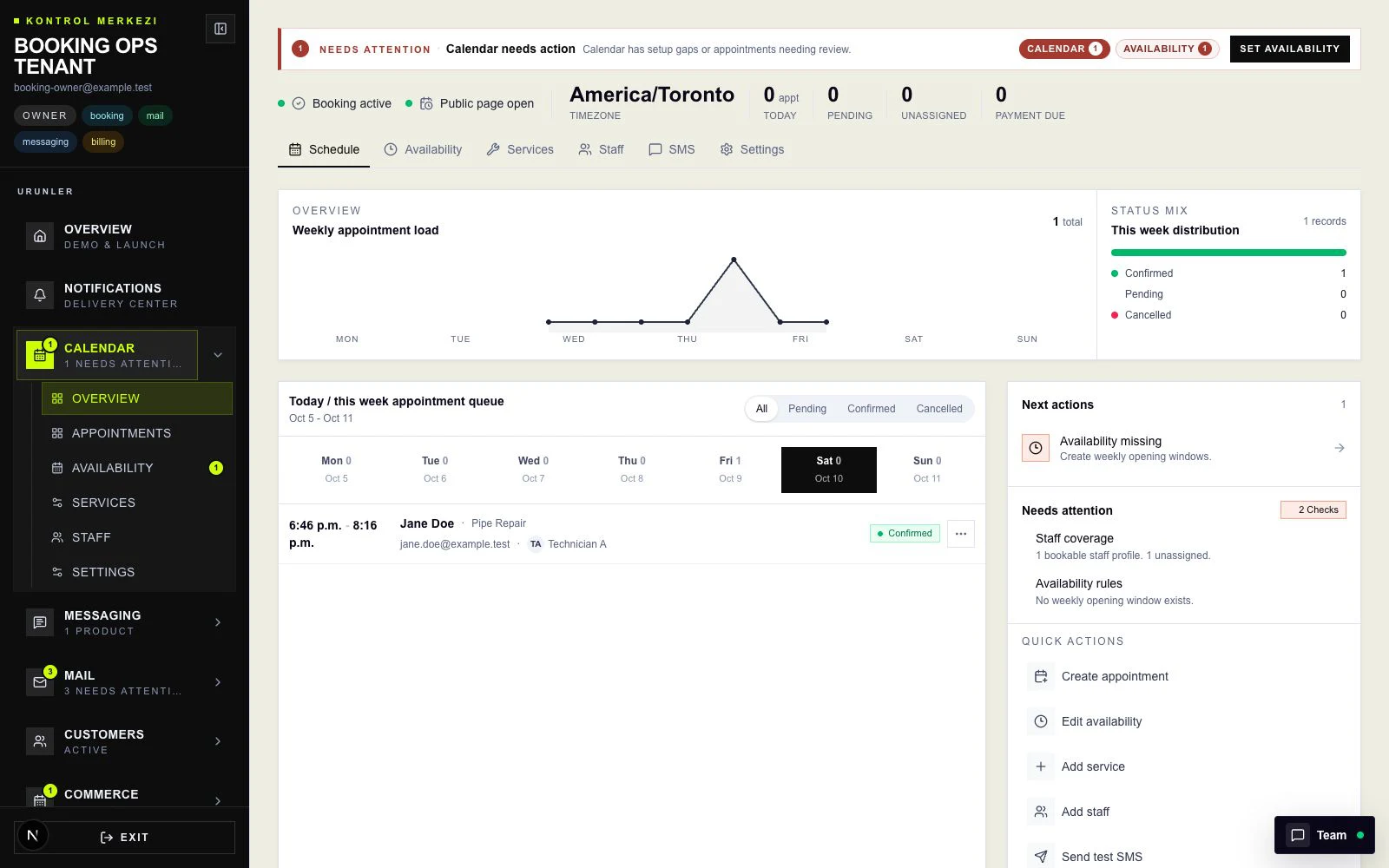
Where demand leaks
Quotes written by hand or scattered across texts and documents are slow to produce, easy to lose, and hard to follow up on.
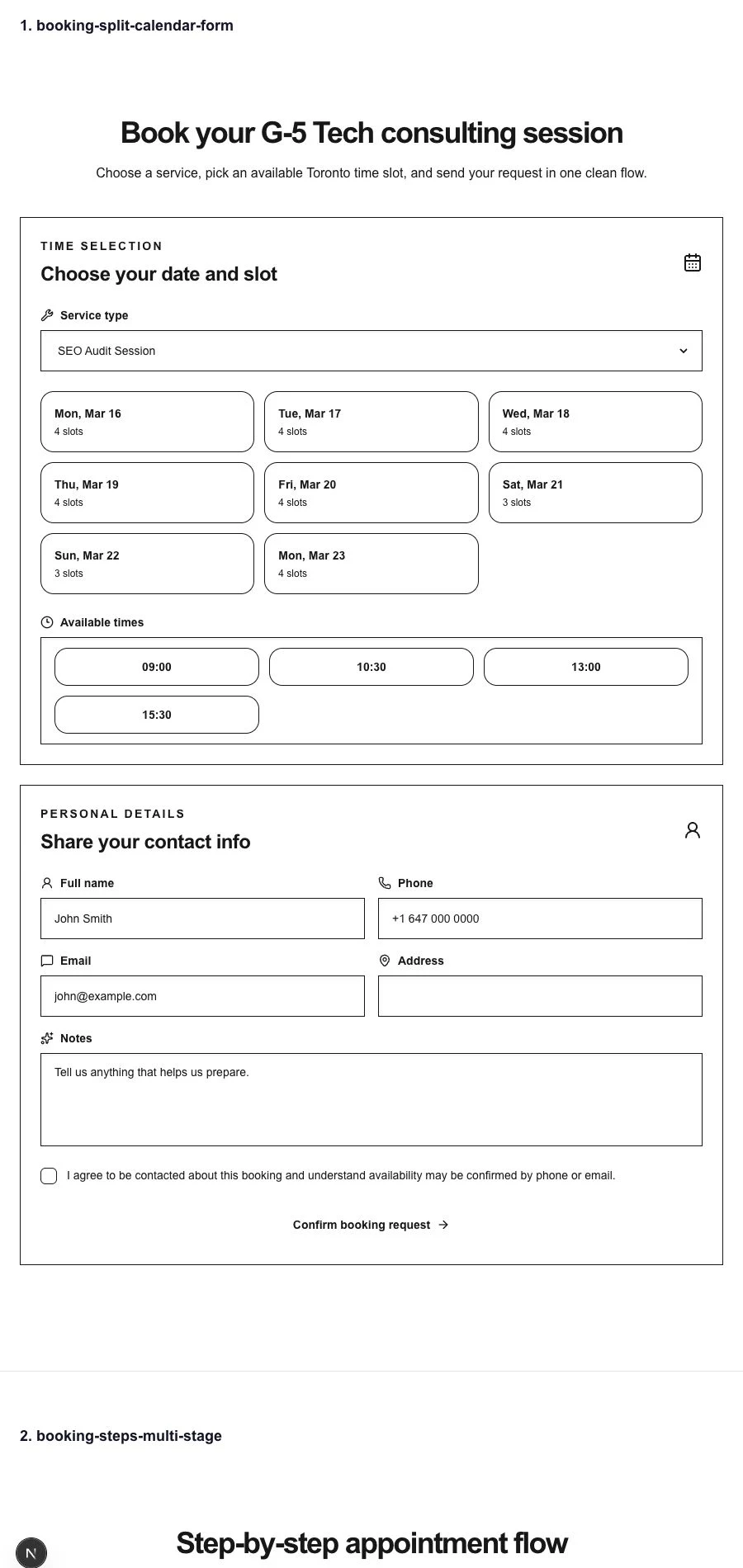
Appointment booking journey on mobile
What it handles
You build a professional estimate, send it to the customer, and track what happens next.
Kutavio ↗Keeps estimates connected to the customer's next action.
Kutavio ↗Keeps estimates connected to the customer's next action.
Kutavio ↗Keeps estimates connected to the customer's next action.
Kutavio ↗Keeps estimates connected to the customer's next action.
Kutavio ↗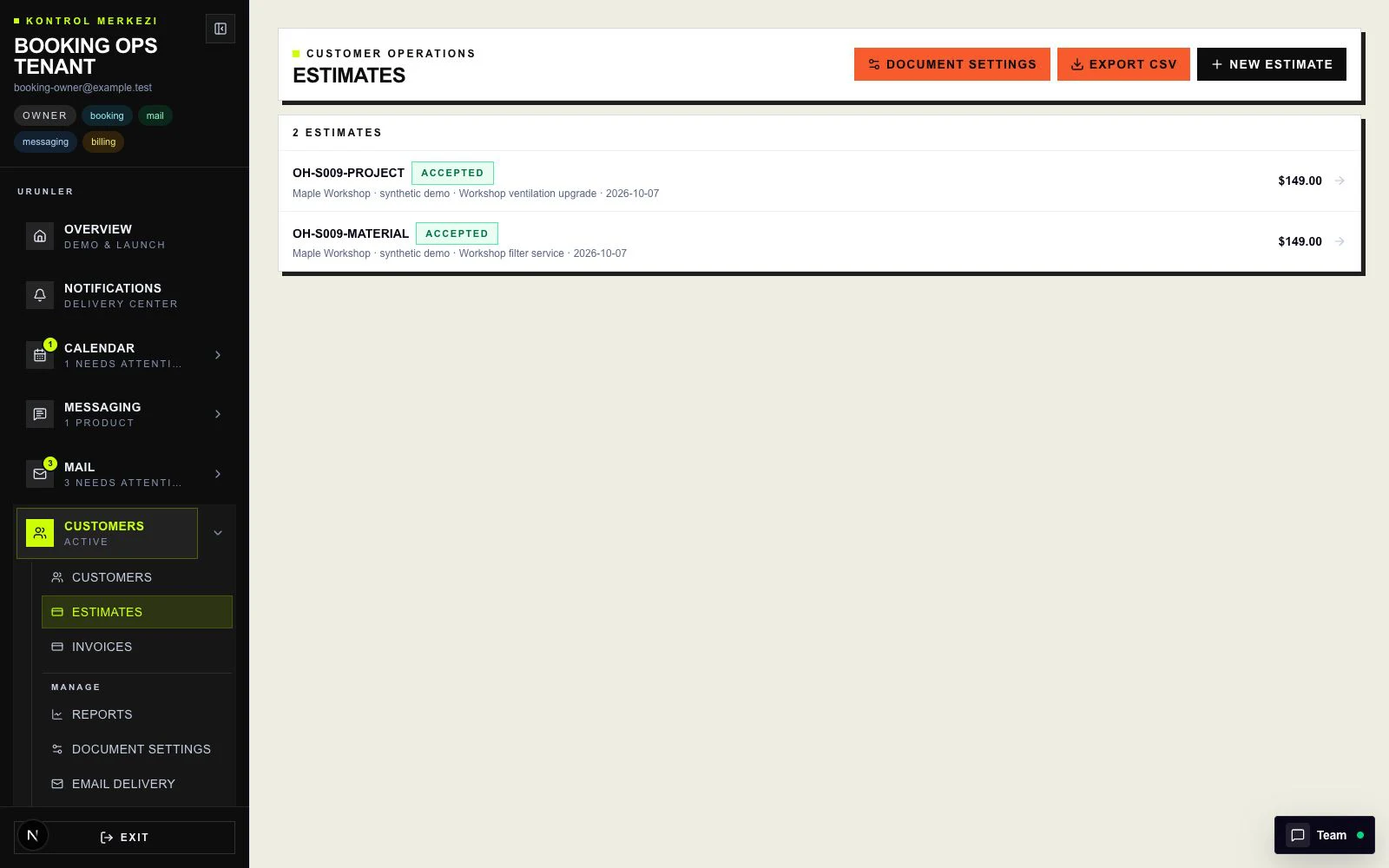
Service quote request experience
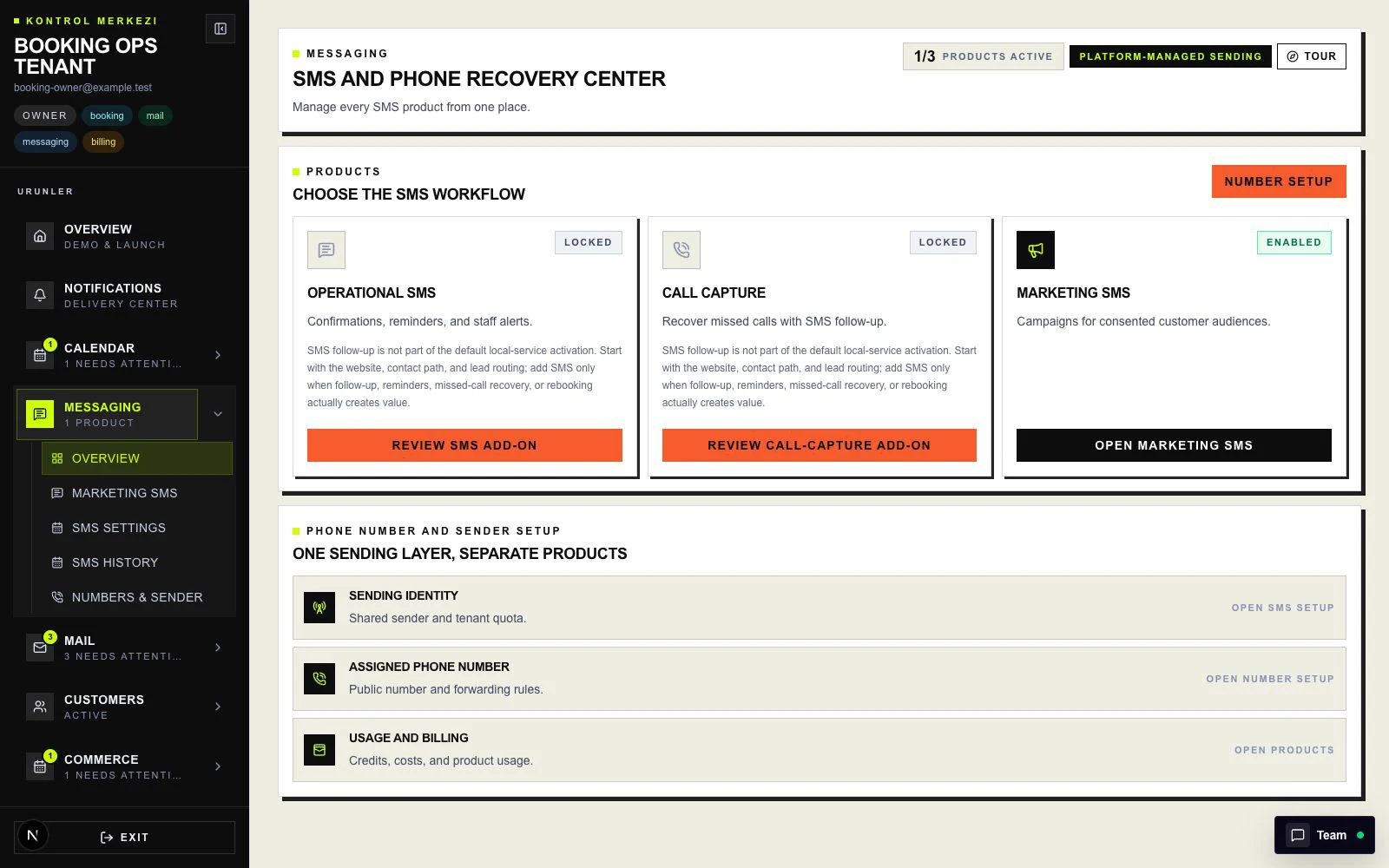
SMS follow-up experience
Connected system
From action to result
A lead form, call, or booking creates the need for a quote.
The owner adds line items, pricing, and notes in a guided builder.
The customer receives a clean PDF and a clear next step.
Viewed, accepted, or declined status stays visible for follow-up.