Products / Run Operations

Sell offers, bundles, and products on the business website.

Commerce gives local operators a direct storefront path for products, service bundles, add-ons, and customer-owned selling.

Build my commerce demo ↗
Commerce customer journey

Where demand leaks

The leak

Local businesses often depend on third-party storefronts or manual ordering, losing control of presentation and customer relationship.

01 / Signal

The website becomes an owned selling surface

A business domain key opening an owned selling counter where offer, bundle, and product tokens rise into view before a customer signal pulls the buy lever and creates a direct order
Live / 01
02 / Response

Catalog, orders, and customers connect to the site

A catalog carousel feeding the website coupling, which creates an order crate, sends it to a customer wheel, and returns the customer relationship to the same owned site
A catalog carousel feeding the website coupling, which creates an order crate, sends it to a customer wheel, and returns the customer relationship to the same owned site
Live / 02

What it handles

Operational index.

01

Catalog and product management

A direct owned selling path connected to the website and owner workspace.

Kutavio ↗
02

Collections, inventory, and variants

Keeps commerce connected to the customer's next action.

Kutavio ↗
03

Orders, customers, shipping, and tax readiness

Keeps commerce connected to the customer's next action.

Kutavio ↗
04

Product image upload and WebP conversion

Keeps commerce connected to the customer's next action.

Kutavio ↗
05

Storefront and checkout foundation

Keeps commerce connected to the customer's next action.

Kutavio ↗
An owned offer cartridge entering a modular campaign dock before SMS, email, and repeat-customer modules lock into open ports and activate a return-customer output
Live / 03
03 / Context

Offers can attach to future campaigns

An owned offer cartridge entering a modular campaign dock before SMS, email, and repeat-customer modules lock into open ports and activate a return-customer output

04 / Bridge

Order communication stays professional

Order 024 moving through confirmed, ready, and fulfilled gates before the final status activates a business-domain communication press and sends a professional update back to the customer
Order 024 moving through confirmed, ready, and fulfilled gates before the final status activates a business-domain communication press and sends a professional update back to the customer
Live / 04

Connected system

Sales activity becomes part of reporting

Product, order, and customer signals feeding a mechanical commerce meter whose counter, opposing gears, and physical orders, customers, and revenue columns turn sales activity into reporting
Live / 05

From action to result

The path, end to end.

01

Catalog is prepared

The owner creates products, collections, images, and status.

02

Storefront presents offers

Customers browse and understand products on the business website.

03

Orders are managed

The owner reviews customers, orders, inventory, and fulfillment state.

04

Growth can attach

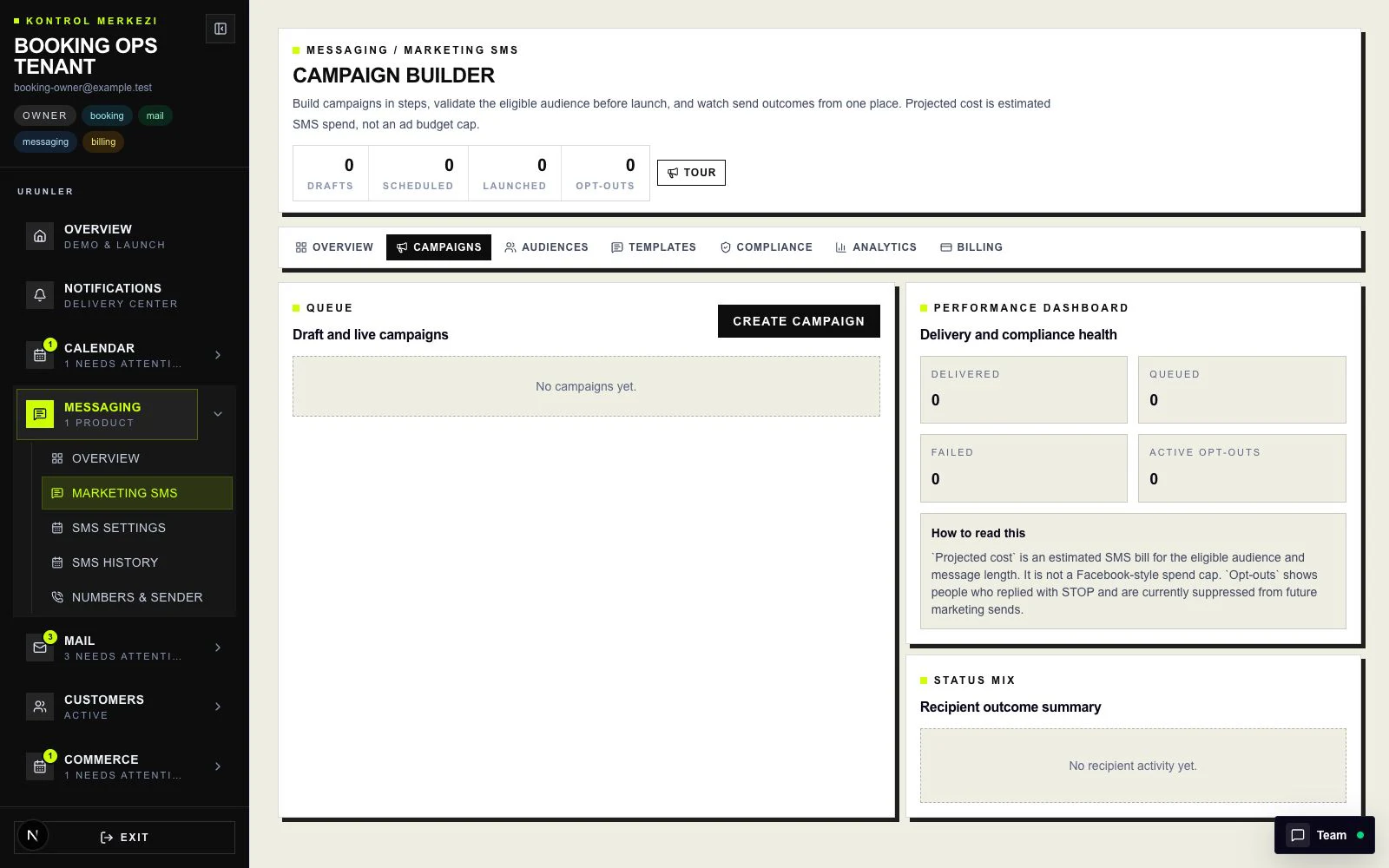
Marketing SMS, campaigns, and reporting can support repeat purchases.

Commerce works with the rest of the system.

Open the related layer to see how it connects.