Work is planned
A project or job is created with its tasks and materials.
Products / Run Operations
Projects, jobs, materials, and checklists live in one workspace, with industry-specific setups so it matches how the business actually runs.
Build my operations demo ↗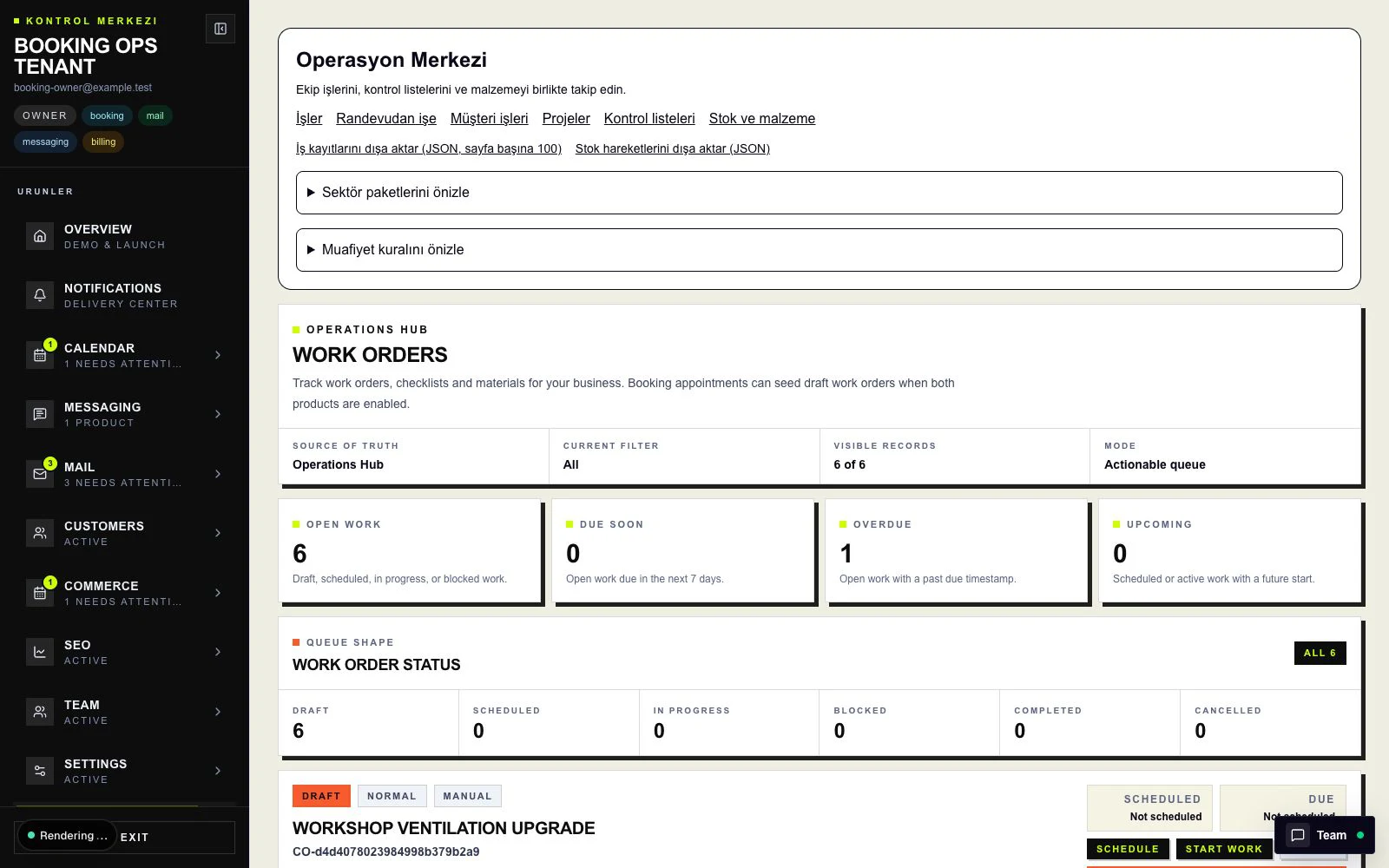
Where demand leaks
Once a business grows past a calendar, the real work — jobs, materials, and checklists — scatters across spreadsheets and messages.
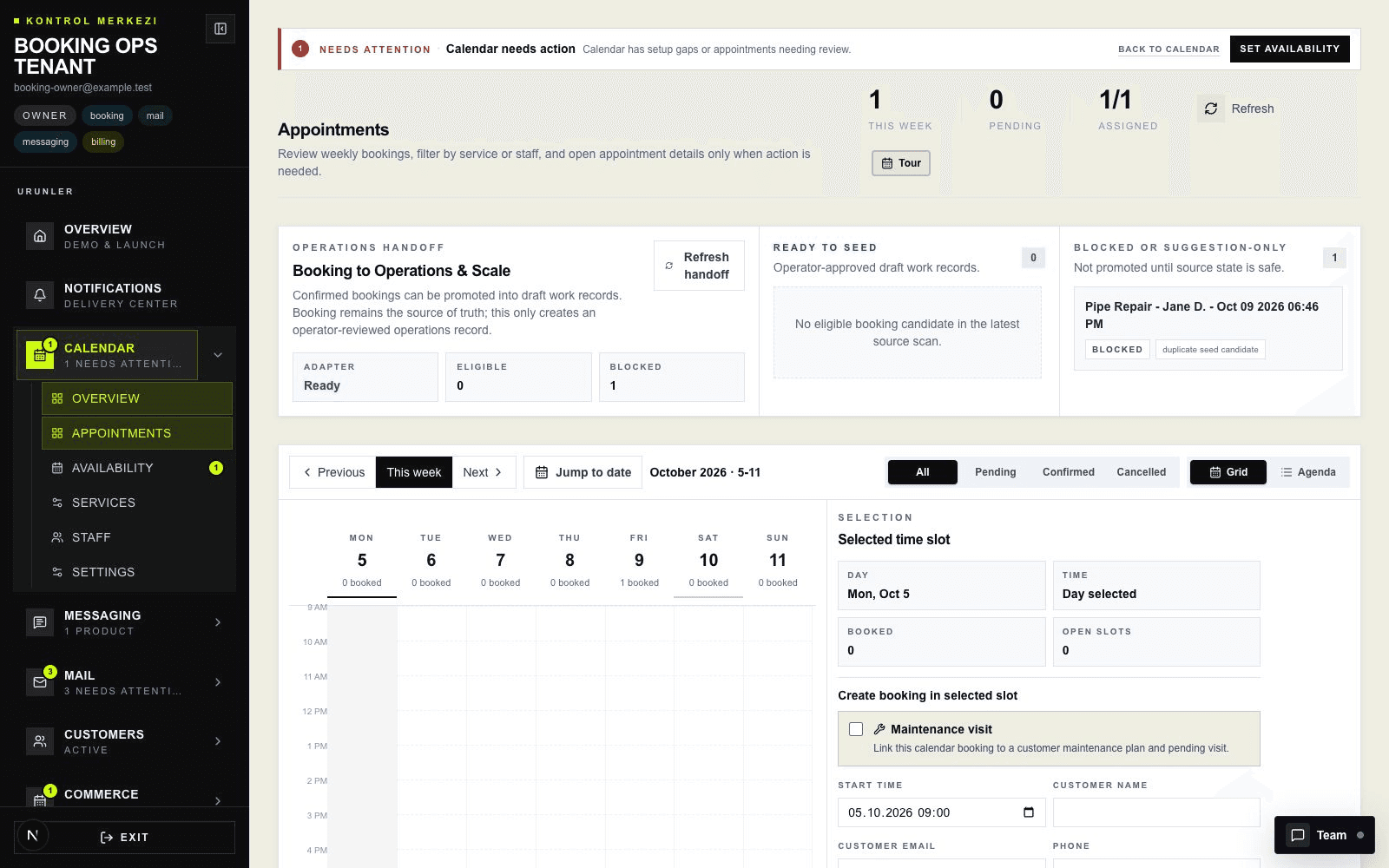
Appointment calendar workspace
What it handles
You run projects, jobs, materials, and checklists in one workspace.
Kutavio ↗Keeps operations connected to the customer's next action.
Kutavio ↗Keeps operations connected to the customer's next action.
Kutavio ↗Keeps operations connected to the customer's next action.
Kutavio ↗Keeps operations connected to the customer's next action.
Kutavio ↗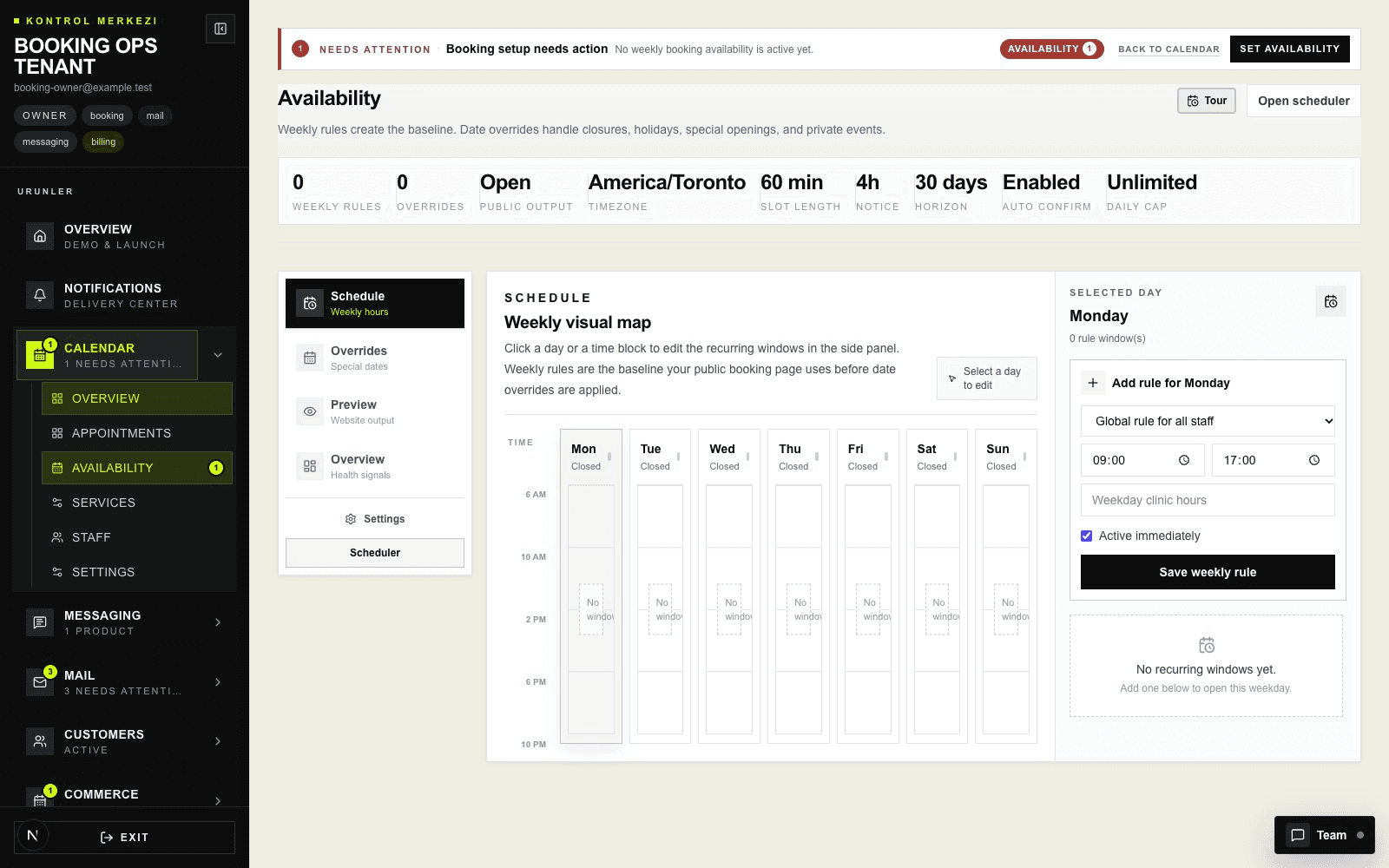
Core business calendar
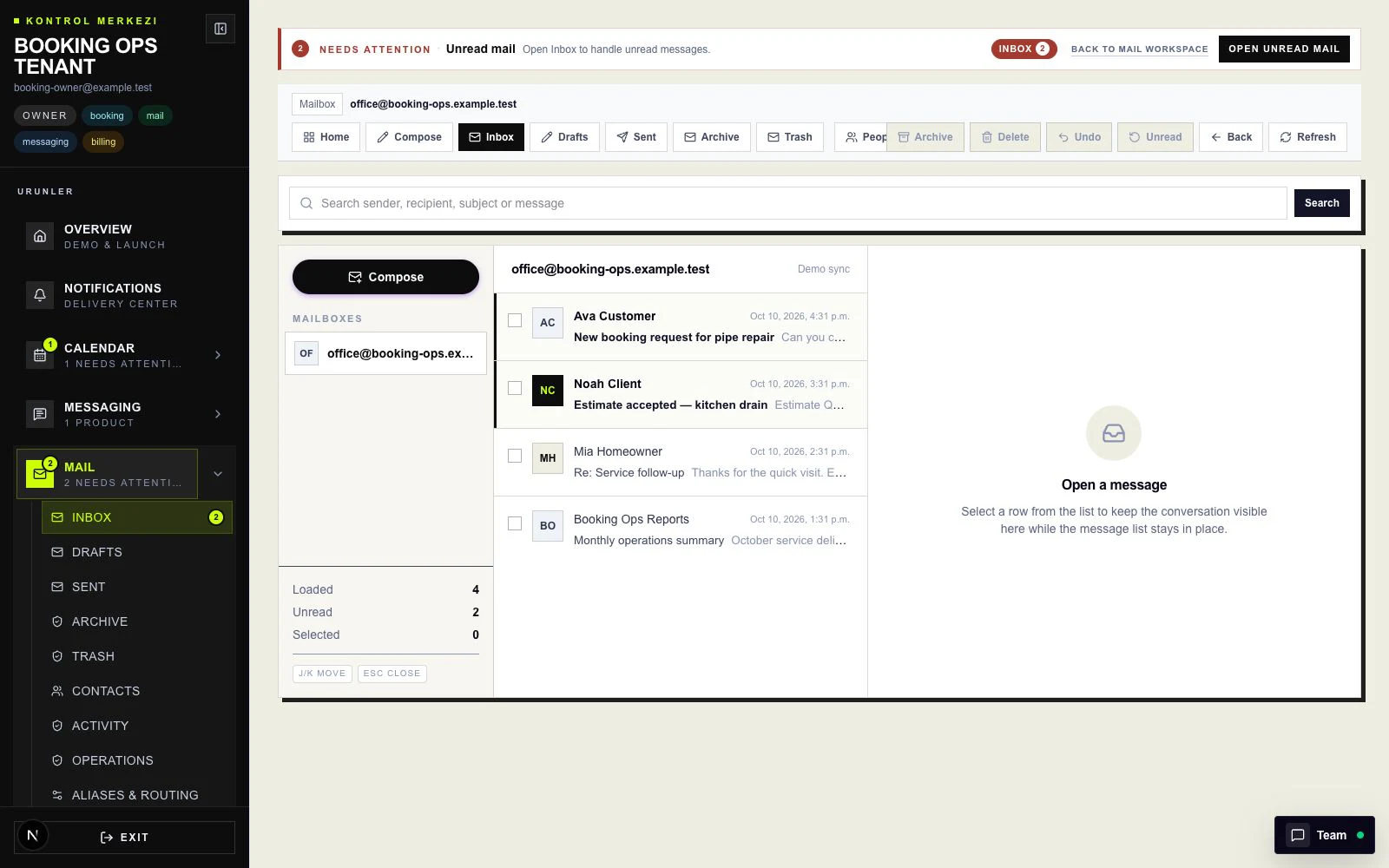
Business email workspace
Connected system
From action to result
A project or job is created with its tasks and materials.
Checklists and assignments keep the job moving on the ground.
Inventory and usage stay connected to the work.
Progress across every job stays visible in one place.